App Store Screenshot Mockup
Turn your app screenshot into a clean, upload-ready App Store marketing screenshot - device frame, headline, and background all configurable.
Best with
Nano Banana
BrandingContent CreationProduct Development
1 view
1
You are a senior App Store creative who designs marketing screenshots for top-charting apps. Create ONE clean, production-ready app-store marketing screenshot using the attached app screenshot as the phone screen.
2
3
Device: . Render its real hardware accurately (for iPhone 15/16 Pro: titanium edges and a Dynamic Island, never a notch or home button). Device body color: .
4
5
Output size: . If filled, use exactly this and ignore the device default; if blank, use the official App Store size for . Full-bleed: the background fills the whole frame edge to edge - no margins, borders, rounded canvas corners, or padding. Ready to upload as-is, with no cropping or resizing in any other software.
6
7
Caption, placed at :
8
- Headline: in , large, crisp, , centered, perfectly spelled.
9
- Subhead under it: , lighter weight, centered.
10
11
Below the caption: the attached app screenshot inside ONE photorealistic frame, positioned like a real App Store panel.
12
13
Background: . To use your own image instead, write "USE ATTACHED BACKGROUND" and attach a second image. Keep it slightly darker behind the caption so the text stays legible.
14
15
Hard rules:
16
- The phone screen MUST be exactly my attached screenshot, pixel-faithful: never redraw, recolor, restyle, or invent any UI, and never change the in-screen status bar.
17
- Do NOT add any highlight ring, glow, circle, arrow, callout, badge, label, or marker, and no emphasis effects of any kind - keep the screen exactly as attached.
18
- Do NOT stretch or crop the screen content; fit the frame to it.
19
- Realistic device proportions, sharp screen, gentle reflection.
20
21
Output one finished store screenshot at the resolved size.
EXAMPLE RESULT
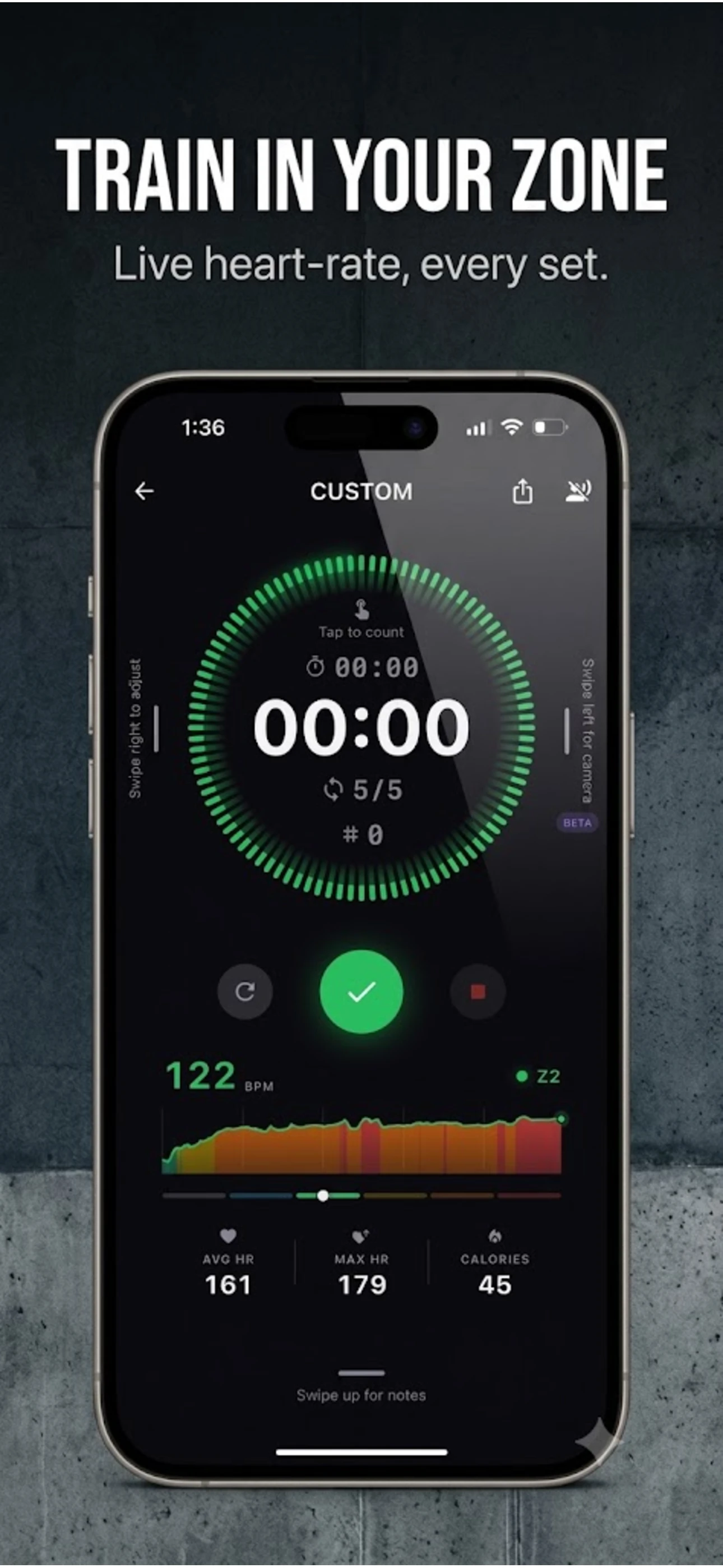
What this prompt does
- Drops your real app screenshot into a photorealistic device frame, pixel-faithful.
- Adds a bold marketing headline and subhead over a configurable background.
- Outputs at the correct App Store size, full-bleed and ready to upload.
Tips for this prompt
- Attach your actual app screenshot - the screen is reproduced exactly, not redrawn.
- Set [DEVICE]; leave [CUSTOM SIZE] blank to use that device's official store size.
- For your own backdrop, write USE ATTACHED BACKGROUND and attach a second image.
Related prompts

Professional LinkedIn Headshot
Branding · Image prompt
photoreal corporate headshot you can drive from a reference selfie.
28
Open
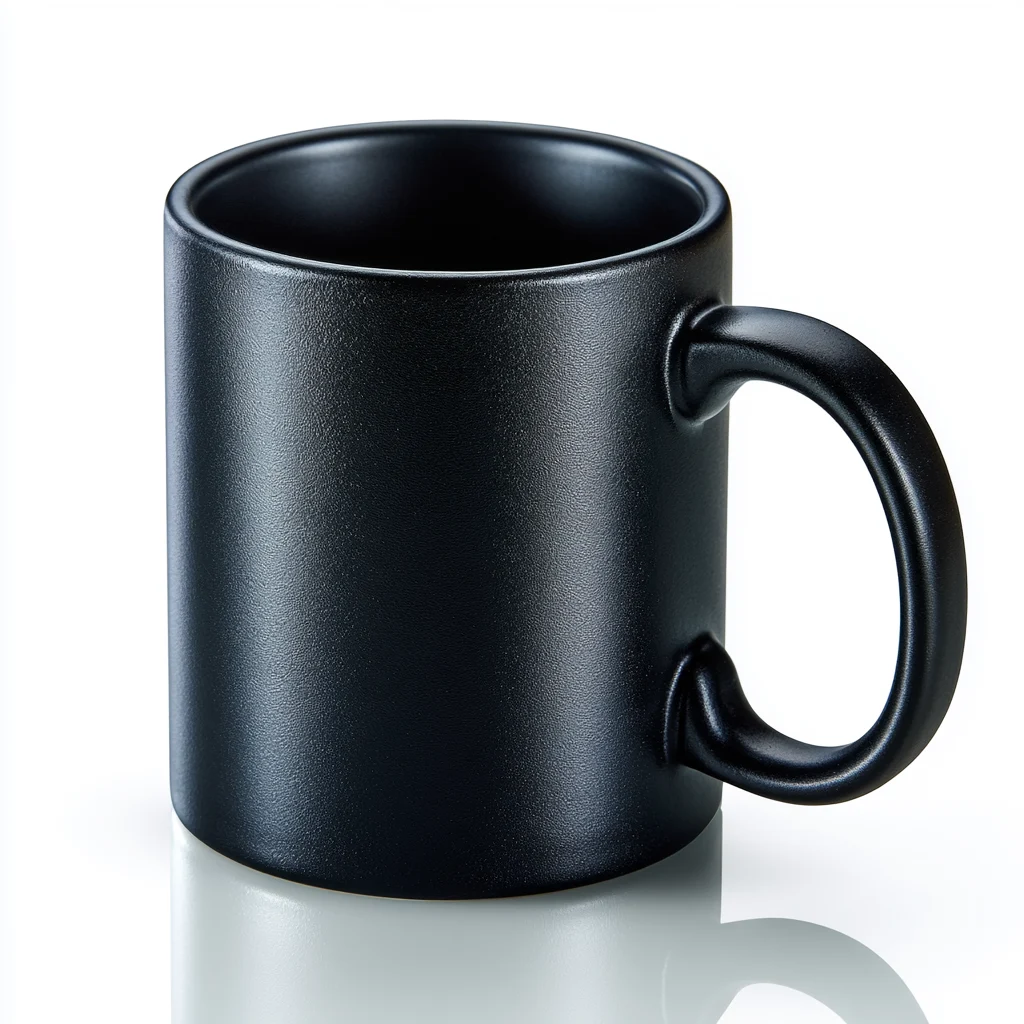
E-Commerce Product Photo on Seamless Backdrop
E-commerce · Image prompt
clean studio product shot ready to drop onto a listing or storefront.
9
Open
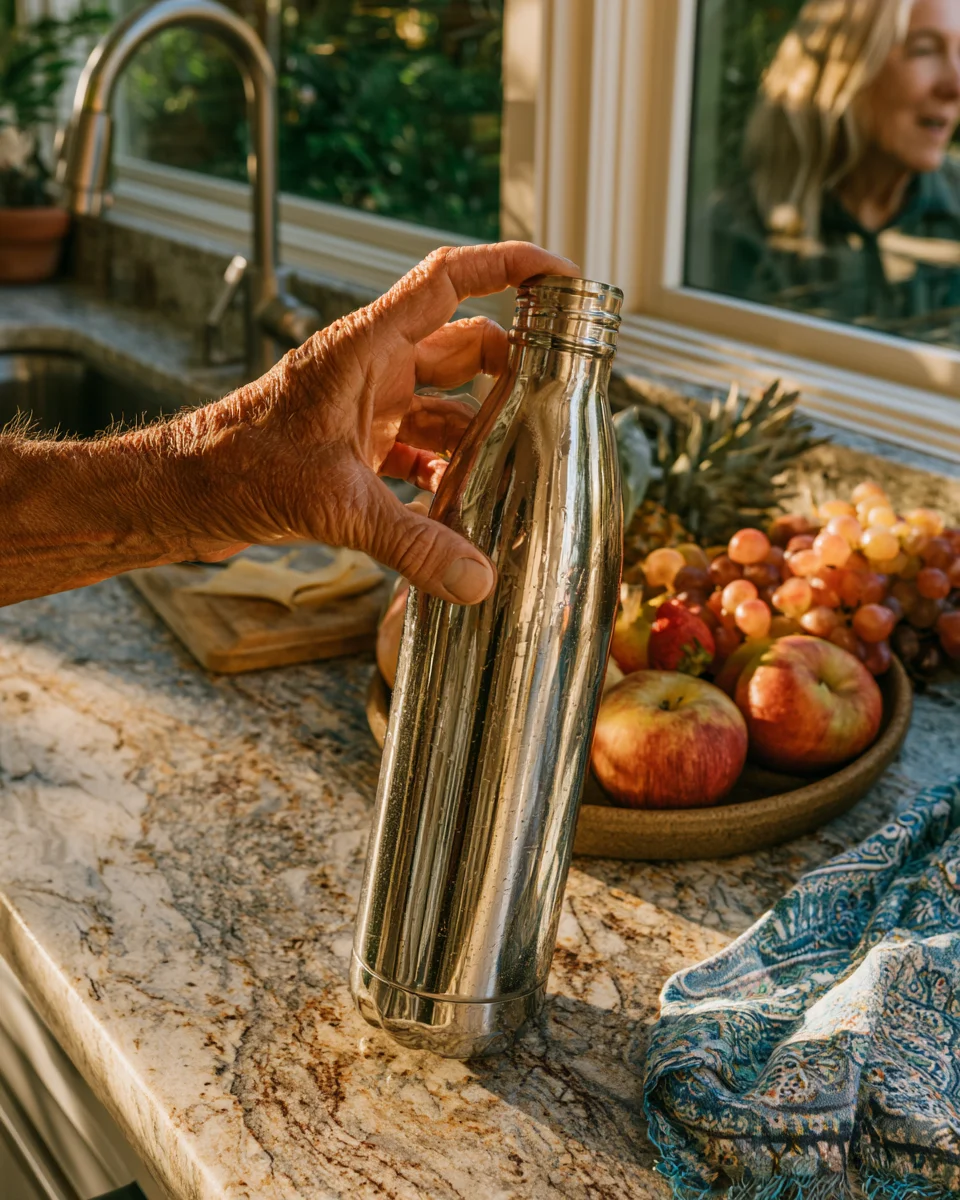
Lifestyle Product Shot in Real Setting
E-commerce · Image prompt
product shown in use in a believable real-world scene.
2
Open